In summary:
- Yandex Go is an essential Moscow app for more than just taxis; it includes a fast “Delivery” service for documents and small items.
- French bank cards often fail; the most reliable payment method is cash (RUB) or linking a card via a local Russian SIM.
- For safety with children, you must use the “Kids” tariff, which guarantees a car with a legal child seat.
- The in-app chat with auto-translation is the best way to communicate with drivers if you don’t speak Russian.
- Save up to 30% on all public transport by linking a Troika card to the MCD zones, similar to how a Navigo pass works in Paris.
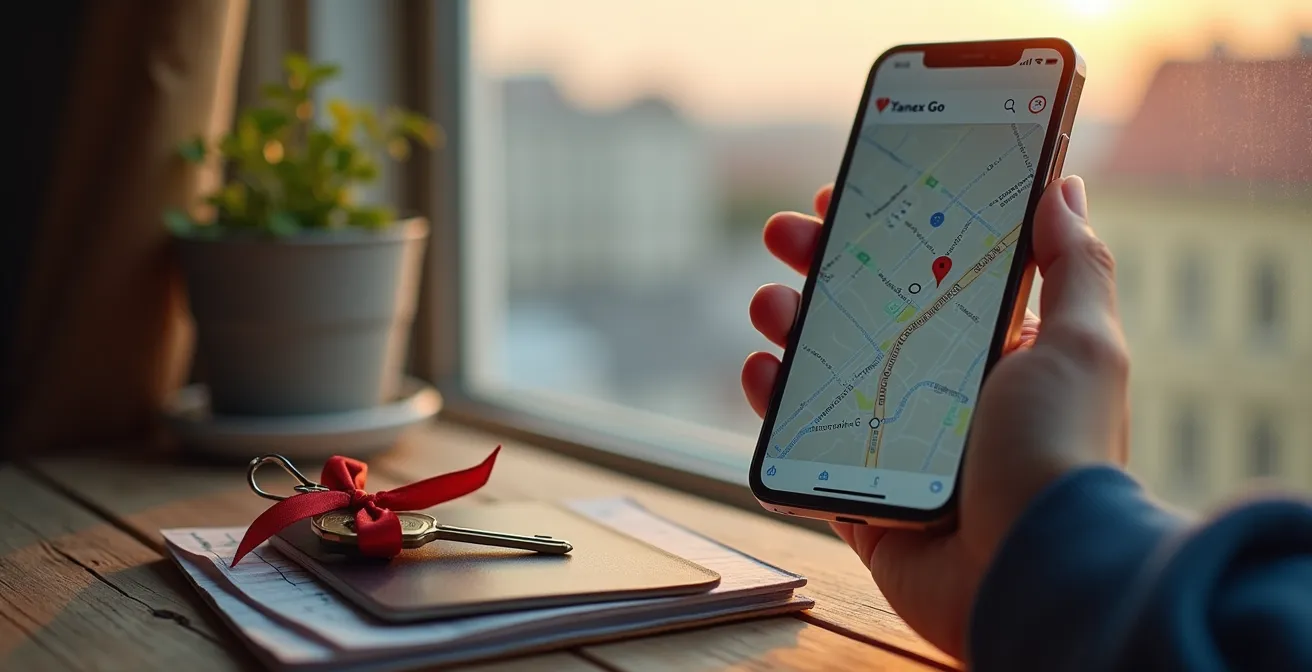
You’ve just arrived in Moscow and need to send a set of keys to a friend across the city. Your first instinct might be to look for a traditional courier or postal service, like a Russian equivalent of La Poste. But what if the most efficient solution is already on your phone? Many French travellers download Yandex Go thinking it’s just Russia’s version of Uber, but they quickly encounter a series of frustrating friction points: rejected credit cards, confusing car options, and language barriers. The app is far more than a simple taxi service; it’s a complete urban logistics tool that handles everything from passenger transport to on-demand deliveries.
The common advice to “just use cash” or “it’s like Uber” is unhelpful because it ignores the specific system logic at play. Mastering Yandex Go isn’t about knowing its features, but about understanding the local workarounds for the challenges it presents to a foreign user. The key is to build an “analogy bridge,” connecting its Russian-centric functions to familiar French concepts. For instance, the delivery feature is a crucial tool, allowing you to send items from door-to-door with real-time tracking, a process far quicker than any postal service for intra-city tasks. This guide is designed to help you navigate this powerful ecosystem, moving beyond the taxi-hailing function to use Yandex Go like a tech-savvy local.
This article provides a comprehensive overview of the essential features and workarounds you’ll need. We’ll cover everything from the persistent payment issues with French cards to navigating the different service tiers, ensuring child safety, communicating effectively with drivers, and even integrating the app’s logic with Moscow’s public transport system for significant savings.
Summary: Your Complete Guide to Navigating Yandex Go in Moscow
- Why does Yandex Go reject French cards and how to pay with cash?
- Business vs. Premier: Is the upgrade to Yandex Ultima worth the cost?
- The “Kids” tariff: Why you cannot legally take a regular taxi with a child?
- How to chat with your driver if you don’t speak Russian?
- How to share your live route with friends for safety at night?
- Yandex Translate vs. Google Lens: Which works better offline for Cyrillic?
- GetTransfer vs. Hotel Car: Is the hotel pickup worth the 50% premium?
- How to save 30% on transport by linking your Troika card to the MCD zones?
Why does Yandex Go reject French cards and how to pay with cash?
One of the most common frustrations for French travellers in Moscow is the frequent rejection of their bank cards by the Yandex Go app. This issue stems from international payment processing restrictions and the specific security protocols of Russian financial systems, which often flag foreign cards. While fintech solutions like Revolut or N26 have a moderate success rate, traditional French bank cards (from BNP Paribas, Société Générale, etc.) are very likely to fail. This is a classic example of system friction, where international standards don’t align with local infrastructure.
The most reliable and immediate solution is to switch your payment method to cash. Before you order your ride or delivery, ensure you have a sufficient amount of Russian rubles (RUB) on hand, as drivers rarely have change for large bills. You can select “Cash” as the payment option directly in the app before confirming your request. Another highly effective local workaround involves purchasing a local Russian SIM card (e.g., from MTS or Beeline). Once you have a Russian phone number, you can often link your French card successfully, as the local number acts as a form of verification for the system.
The table below, based on user feedback, summarizes the compatibility issues. It highlights that relying solely on a French card is a risky strategy. For a stress-free experience, preparing to pay in cash is the most pragmatic approach. This is the first and most critical local workaround to master.
Your Action Plan: Securely Sending an Item with Yandex Go
- Item Details: Clearly state the item and its nature in the comments section. Use a translation app to write it in Russian for clarity (e.g., “Документы в конверте” for documents in an envelope).
- Contact Info: Double-check that the sender and receiver’s phone numbers are correct and include the +33 prefix for a French number if necessary for WhatsApp contact.
- Courier Verification: As soon as a courier is assigned, take a screenshot of their profile, which includes their name, photo, and vehicle license plate.
- Live Tracking: Immediately use the ‘Share route’ feature to send the live tracking link to the recipient via a messaging app.
- Delivery Confirmation: Ask the recipient to message you a confirmation or a photo as soon as they have the item in hand.
Business vs. Premier: Is the upgrade to Yandex Ultima worth the cost?
Yandex Go offers a range of service classes under its “Ultima” brand, which can be confusing for a visitor accustomed to the simpler tiers of Uber. Understanding these levels through an “analogy bridge” makes choosing the right service easier. The standard “Economy” and “Comfort” classes are the workhorses of the city, equivalent to UberX and Comfort in France. They are plentiful and affordable.
The real upgrade begins with the “Business” class. This service level is comparable to Uber Berline, typically featuring cars like a Mercedes-Benz E-Class or BMW 5 Series. It’s the go-to choice for professional settings or when you want a more comfortable and polished experience. The next step up, “Premier,” aligns with high-end chauffeured services in France, offering flagship sedans like the Mercedes-Benz S-Class or BMW 7 Series. Finally, “Elite” provides Maybach-level luxury for ultimate prestige.
Is the upgrade worth it? It depends entirely on your needs and budget. The cost increase is significant; according to recent data, Business class costs 3-4x Economy rates, while Premier can be 5-6 times more expensive. For a typical tourist trip, “Comfort” or “Comfort+” offers an excellent balance of quality and price. However, for an important business meeting or a special occasion, the professionalism and superior comfort of “Business” class can be a worthwhile investment. “Premier” is a true luxury experience, best reserved for moments when you require the highest level of service and discretion.
The “Kids” tariff: Why you cannot legally take a regular taxi with a child?
This is a critical safety and legal point that many foreign visitors overlook. In Moscow, as in all of Russia, it is illegal to transport a child under the age of seven in a vehicle without a proper child safety seat. Standard Yandex Go taxis in the “Economy” or “Comfort” classes are not equipped with these seats. If you attempt to take a regular taxi with a young child, the driver is legally obligated to refuse the ride. This is not a matter of driver discretion; it’s the law.
To travel safely and legally with a child, you must select the “Kids” tariff when booking your ride. This option guarantees that the assigned vehicle will arrive with an appropriate child seat for your child’s age and weight. When you select this tariff, the app will prompt you to choose the type of seat required (e.g., for different weight categories like 9-18kg or 15-25kg). This ensures maximum safety for your child during the journey.
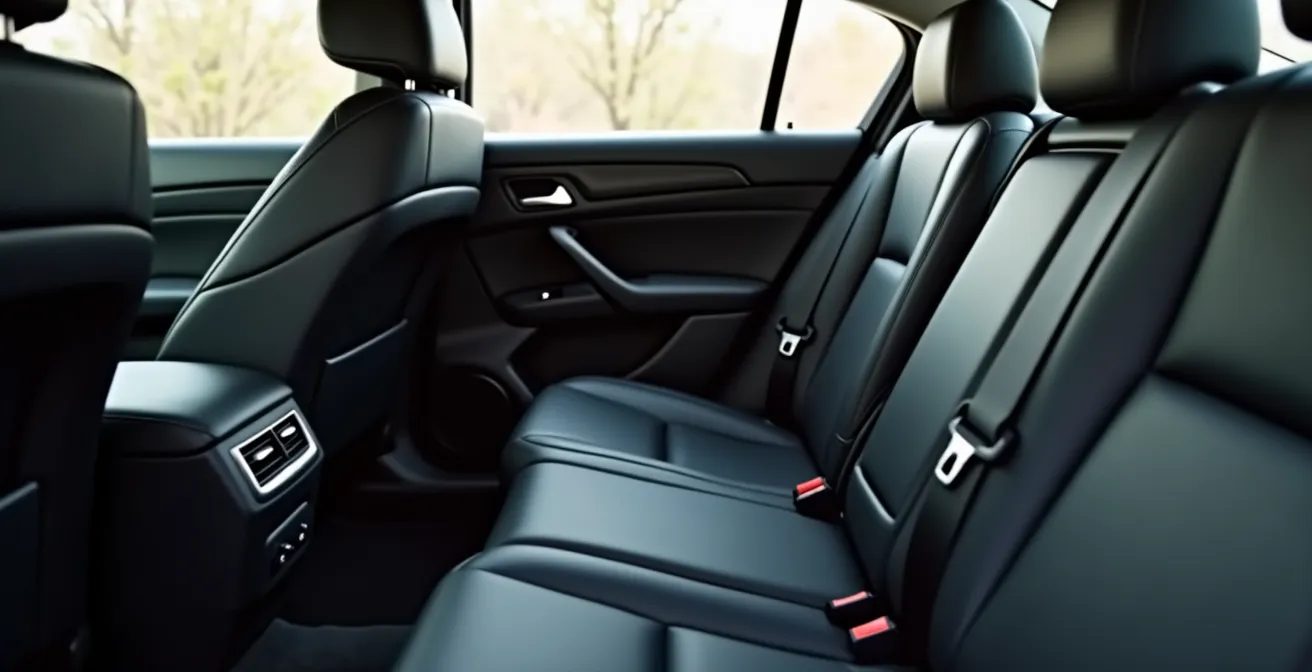
Be aware that cars with the “Kids” tariff are less numerous than standard taxis, so you should expect a slightly longer wait time, typically 10-15 minutes in central Moscow. During peak hours, it’s wise to book in advance. If you are travelling with your own car seat, you can still book a regular taxi but should write “У меня есть детское кресло” (I have my own child seat) in the comments to inform the driver.
How to chat with your driver if you don’t speak Russian?
The language barrier is a significant source of anxiety for many travellers. While some drivers may speak basic English, you should not expect it. Fortunately, Yandex Go has a robust built-in communication tool that effectively solves this problem: the in-app chat. Unlike a phone call, the chat feature has an automatic translation function that translates your messages from French (or English) into Russian for the driver, and their Russian replies back to you.
This tool is far more effective than trying to communicate verbally. Survey data from Moscow even indicates that more than 43% of local users prefer chat because it eliminates misunderstandings from poor phone connections or misremembered details. For a foreigner, this feature is invaluable. You can use it to clarify your pickup location, inform the driver you’re running a few seconds late, or ask them to open the trunk. To access it, simply tap the “Chat” button on the screen after your ride has been accepted.
To make communication even smoother, it’s a great idea to have a few key phrases ready to copy and paste. These simple messages can resolve the most common situations quickly:
- Я жду возле… (Ya zhdu vozle…) – I am waiting near… (e.g., “…the big red door”)
- Я не говорю по-русски (Ya ne govoryu po-russki) – I don’t speak Russian.
- Пожалуйста, следуйте навигатору (Pozhaluysta, sleduyte navigatoru) – Please follow the GPS.
- Можно открыть багажник? (Mozhno otkryt’ bagazhnik?) – Can you open the trunk?
Using the chat feature is a core “local workaround” that transforms a potentially stressful interaction into a simple, efficient exchange.
How to share your live route with friends for safety at night?
Personal safety is a priority when travelling in any new city. Yandex Go includes a simple but powerful feature that provides peace of mind, especially when travelling alone or at night. The app allows you to share your live trip status with a trusted contact. This feature generates a unique web link that shows your real-time location on a map, along with the driver’s name, car model, and license plate number.
This “safety protocol” is easy to activate. Once your ride has started, you will see an option on the main screen, often represented by a “share” icon or found within a menu (three dots). Tapping this will bring up your phone’s sharing options, allowing you to send the link via WhatsApp, Telegram, SMS, or any other messaging app. Your contact does not need to have the Yandex Go app installed to view your route; the link opens in any web browser.
Sharing your route is a proactive safety measure. It informs someone of your whereabouts and provides them with all the necessary details about your trip in case of an emergency. It’s a smart habit to adopt for every ride, but it becomes particularly important during late-night travel or when heading to an unfamiliar part of the city. This simple action takes only a few seconds but adds a significant layer of security to your journey, letting you relax and enjoy the ride with the knowledge that someone knows where you are.
Yandex Translate vs. Google Lens: Which works better offline for Cyrillic?
While the Yandex Go app solves in-ride communication, you’ll still need a powerful translation tool for navigating menus, street signs, and metro maps. The two main contenders are Google Lens (part of the Google Translate app) and the standalone Yandex Translate app. For a French traveller in Moscow, the choice has a clear winner: Yandex Translate.
The primary advantage of Yandex Translate is its superior performance with the Cyrillic alphabet, especially in offline mode. Its image recognition (camera mode) is finely tuned for Russian text, leading to more accurate and context-aware translations of signs and menus. Furthermore, its offline language pack for Russian-to-French is significantly more compact than Google’s, saving precious storage space on your phone. While Google Translate supports more languages overall, Yandex’s deep focus on Russian gives it a distinct edge in its home environment.
The following table, based on a recent app comparison, breaks down the key differences for a tourist in Moscow. It highlights Yandex’s efficiency in battery usage and its superior accuracy for the specific task of navigating a Cyrillic-based environment.
This comparison, based on a detailed app comparison for video and text, shows that while Google is a great all-rounder, Yandex is the specialist tool for Russia.
| Feature | Yandex Translate | Google Lens |
|---|---|---|
| Offline Language Pack Size | Compact (under 100MB) | Larger (150MB+) |
| Cyrillic Recognition Accuracy | Superior for Russian | Good but less nuanced |
| French-Russian Translation | Excellent with context | Standard quality |
| Battery Usage (1hr active) | Moderate | Higher consumption |
GetTransfer vs. Hotel Car: Is the hotel pickup worth the 50% premium?
For airport transfers, you have several options beyond a standard Yandex Go ride. The two most common alternatives are pre-booking a car through an app like GetTransfer or arranging a pickup directly with your hotel. The choice involves a trade-off between cost, convenience, and peace of mind. A hotel car typically comes with a significant premium, often 50% to 100% more expensive than an app-based service. For a route that might cost 1500-2000 RUB with an app, a hotel may charge 3000-4000 RUB.
So, is the hotel car worth the extra cost? For many travellers, the answer is yes. A hotel transfer guarantees a driver will be waiting for you at arrivals, holding a sign with your name. This eliminates the stress of finding your driver in a crowded airport, especially after a long flight and without a local SIM card. It offers unparalleled reliability. Services like GetTransfer are cheaper, but they can come with the risk of “no-shows” or communication issues if you don’t speak Russian. Furthermore, some app services may have hidden charges for flight delays or extended waiting times that aren’t apparent in the initial quote.
The best choice depends on your traveller profile:
- Solo female travellers or late-night arrivals: The security and guaranteed service of a hotel car are strongly recommended.
- Families with children: A hotel car ensures the vehicle will have the correct, pre-arranged child seats without any hassle.
- Budget-conscious travellers: GetTransfer is a viable option, but it’s best used after you’ve acquired a local SIM card to ensure you can communicate with the driver.
- Business travellers: The reliability and professional image of a hotel car service often outweigh the extra cost.
Key Takeaways
- Mastering Yandex Go for a French visitor is about learning local workarounds, not just app features.
- Cash is the most reliable payment method; having Russian rubles is essential as French cards often fail.
- Always use the “Kids” tariff for legal and safe travel with children, and use the in-app chat with auto-translation to communicate with drivers.
How to save 30% on transport by linking your Troika card to the MCD zones?
While Yandex Go is excellent for direct routes, Moscow’s public transport is incredibly efficient and cost-effective for getting around the city. The key to unlocking its full potential is the Troika card, Moscow’s equivalent of the Parisian Navigo pass. By linking this card to the Moscow Central Diameters (MCD) — a system of urban railway lines similar to Paris’s RER — you can achieve significant savings of around 30% compared to buying individual tickets.
The process is straightforward. First, purchase a Troika card at any metro station ticket window for a refundable deposit of 50 RUB. Load it with funds (a minimum of 500 RUB is a good start). Then, at a ticket machine, find the option for МЦД (MCD) and link your card to the travel zones you’ll be using. For most tourists, the “Central” zone will be sufficient. This system should feel intuitive to anyone familiar with the RER’s zonal pricing.
Once linked, a single trip within the Central zone on the metro, MCC, or MCD costs a flat fee. According to official 2024 pricing, this is a 57 RUB fee for the Central zone, and 76 RUB for the “Suburb” zone. This unified pricing allows for free transfers between different modes of transport within 90 minutes. The crucial rule to remember is to tap your card both when entering AND exiting an MCD station to ensure the correct fare is charged and your card isn’t blocked. This local knowledge turns the complex transport network into a simple, affordable tool for exploring the vast city.
You now have the complete toolkit to navigate Moscow’s transport landscape efficiently and affordably. By combining the on-demand convenience of Yandex Go with the cost-effective power of the public transport system, you can travel the city with the confidence of a local. Start by setting up your payment methods and downloading the necessary apps before your trip to ensure a smooth arrival.